
SharpenBox
Scarborough Health Network
May - Aug. 2026
A messenger for feedback from healthcare instructor to student
Design: Emily Chan
Tech: Kevin Shen, Nico To
Research: Angelica Roxas, Jana Kalbasi
Doctors are our experts
You trust them, through your understanding of their training and education
Only 1/4 medical residents reported
receiving regular feedback
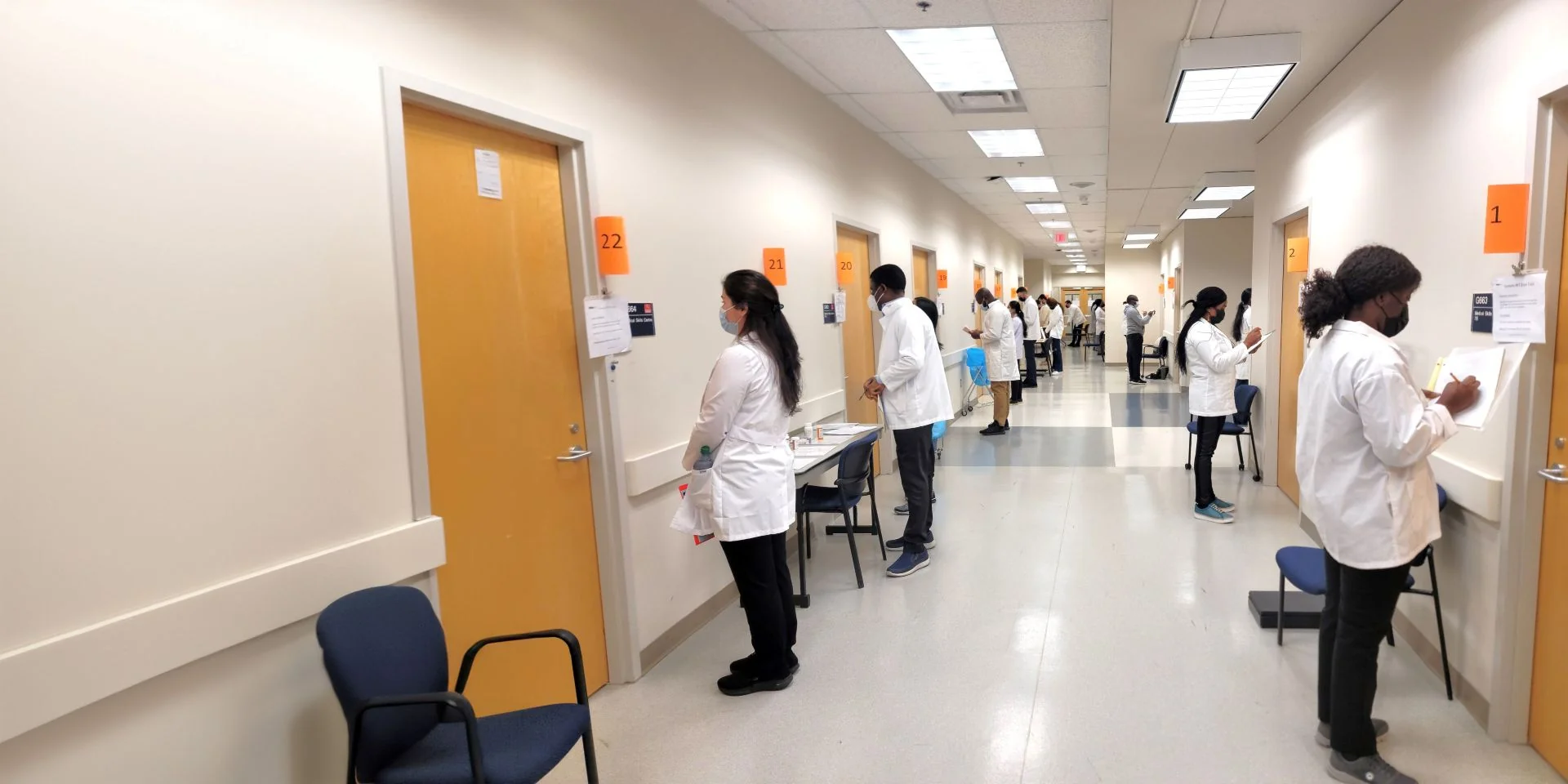
As a result…
Healthcare grades change depending on variance
⤷ Mistakes are repeated and don't get corrected
⤷ Students graduate with gaps in their medical skills

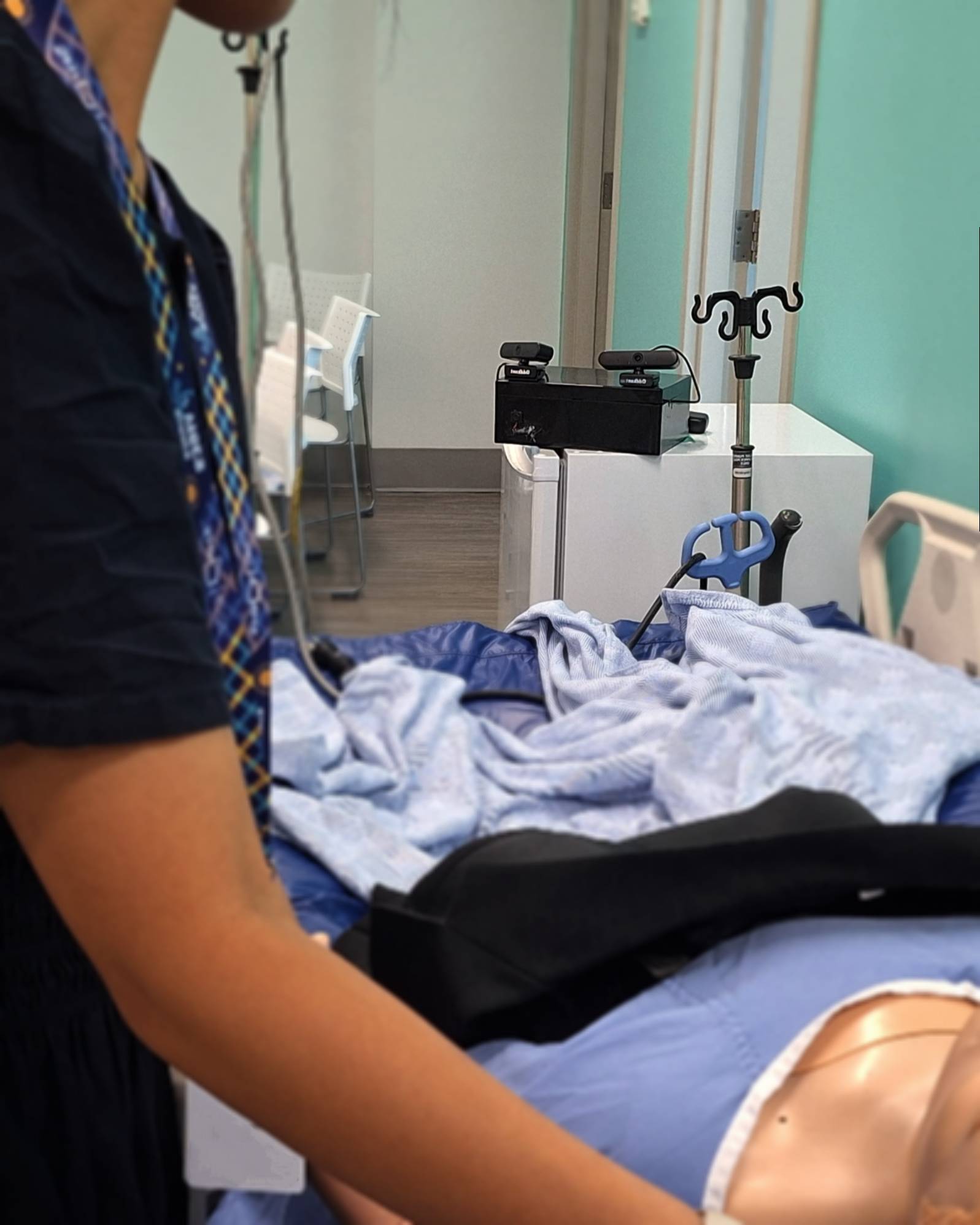
So we have the AV equipment, and an ethics compliant AI model
But how is feedback going to move based on our user needs?

Future proofing with modifiable and reusable components in mind
(If you're interested in learning how SharpenBox was later reused for a virtual patient validation study ask me!)

Competitive Analysis
What does a video based feedback report look like?


Iterations
What is the breadth of the report?
Option 1

Birds eye view
Instructors are the main audience, receiving a topdown report following official medical procedure checklists of student performance
Option 2

Sectioned and automated
Instructors are the inbetween step, providing approval for student next steps. Students receive the top 3 actions to improve.
Key Decision
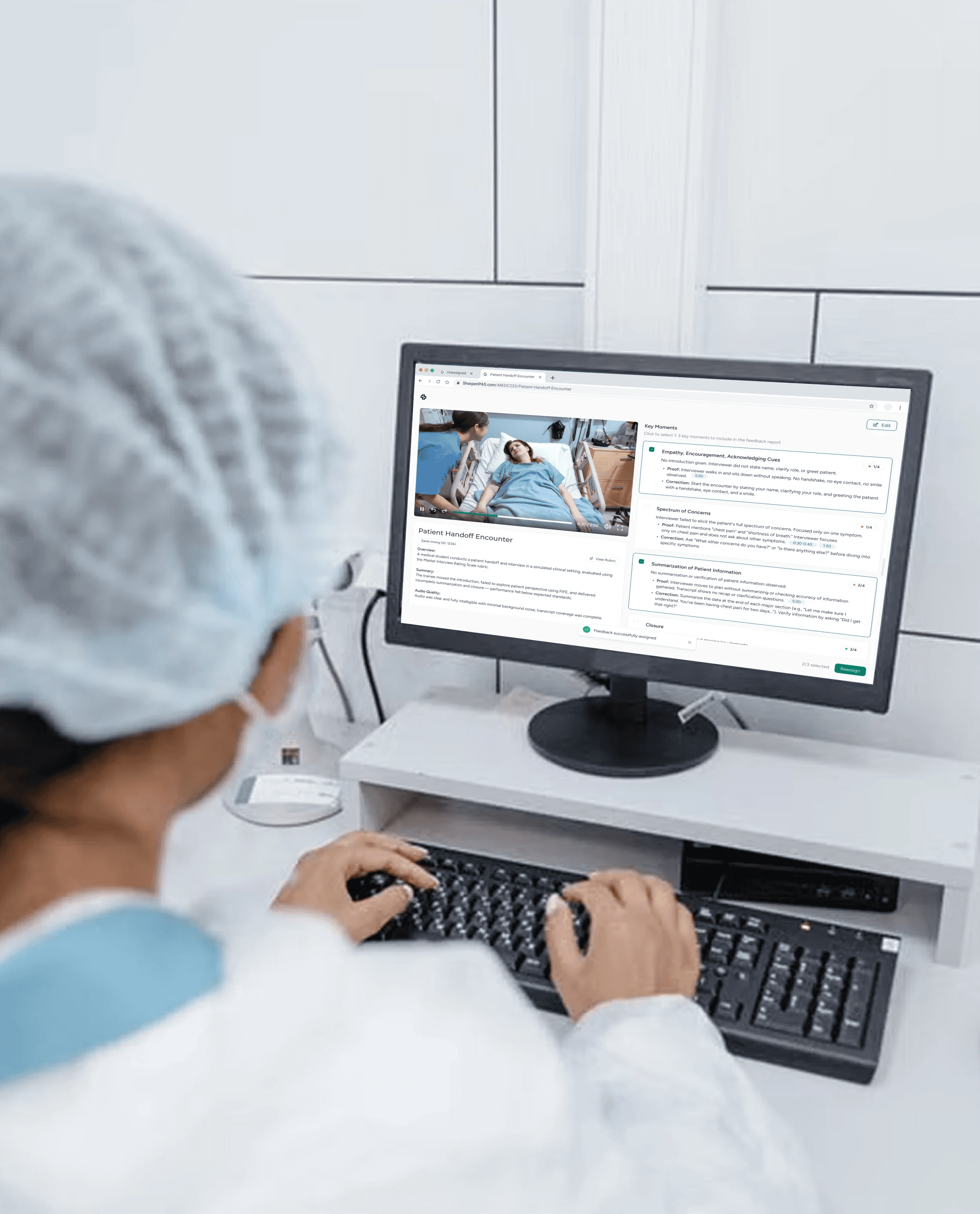
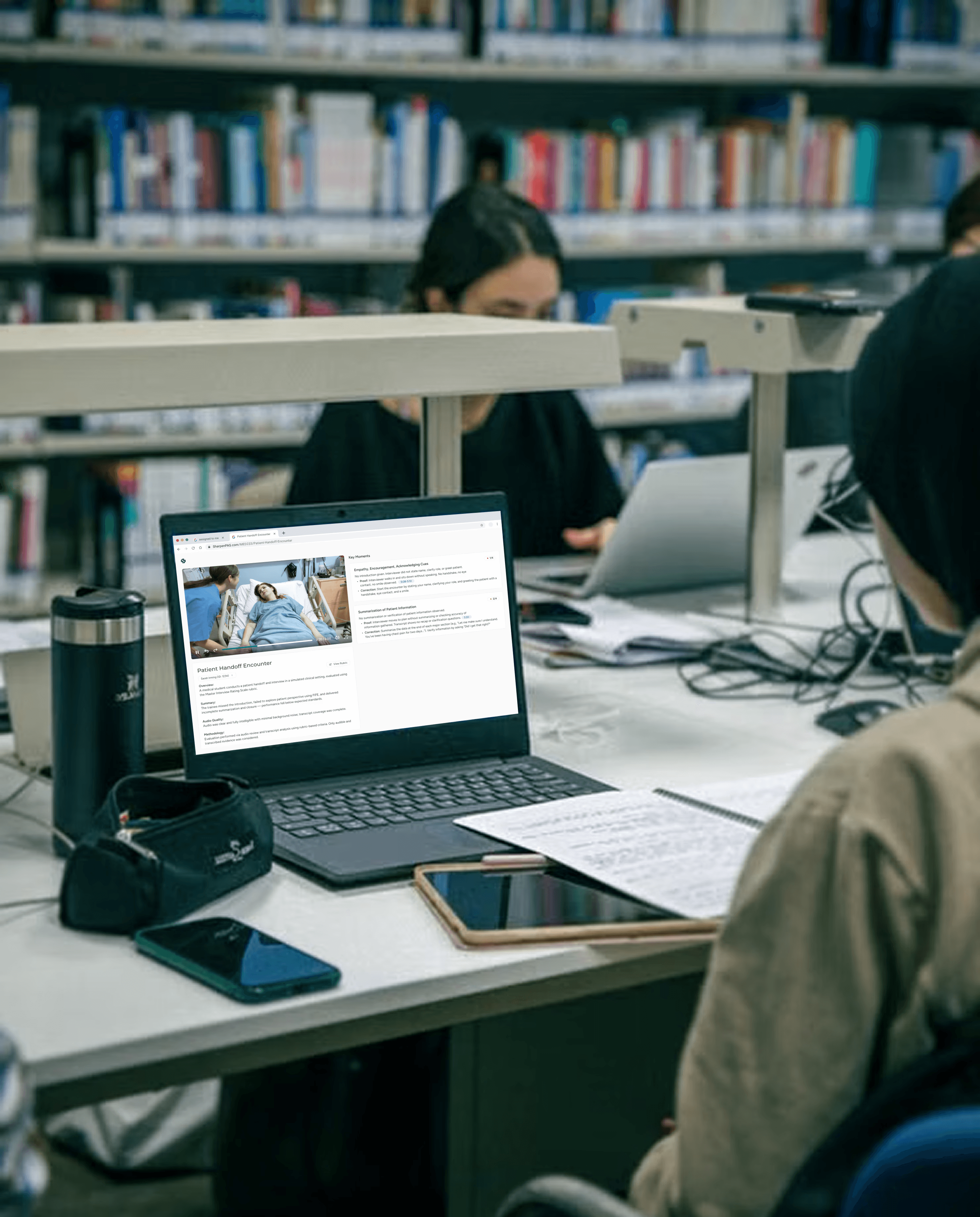
Video and text insights that are connected
Text insights with proof > segmented clips with subtitles
Browse through key insights, with a clickable timestamp linked as proof.
I advocated for this format of timestamps instead of the client's request for individually segmented clips. The output as a mixture of text and video would be quicker to catch the AI model's mistakes and fit within the 4 month deadline.
document style editing > guided builder
typing "#:##" automatically turns into a timestamp, "——" creates a new card.
Since the client's main priority for MVP was the feedback report, I chose this to keep editing capabilities easy to develop and customizeable.
Key Decision
Making it as asynchronous as possible

Instructors
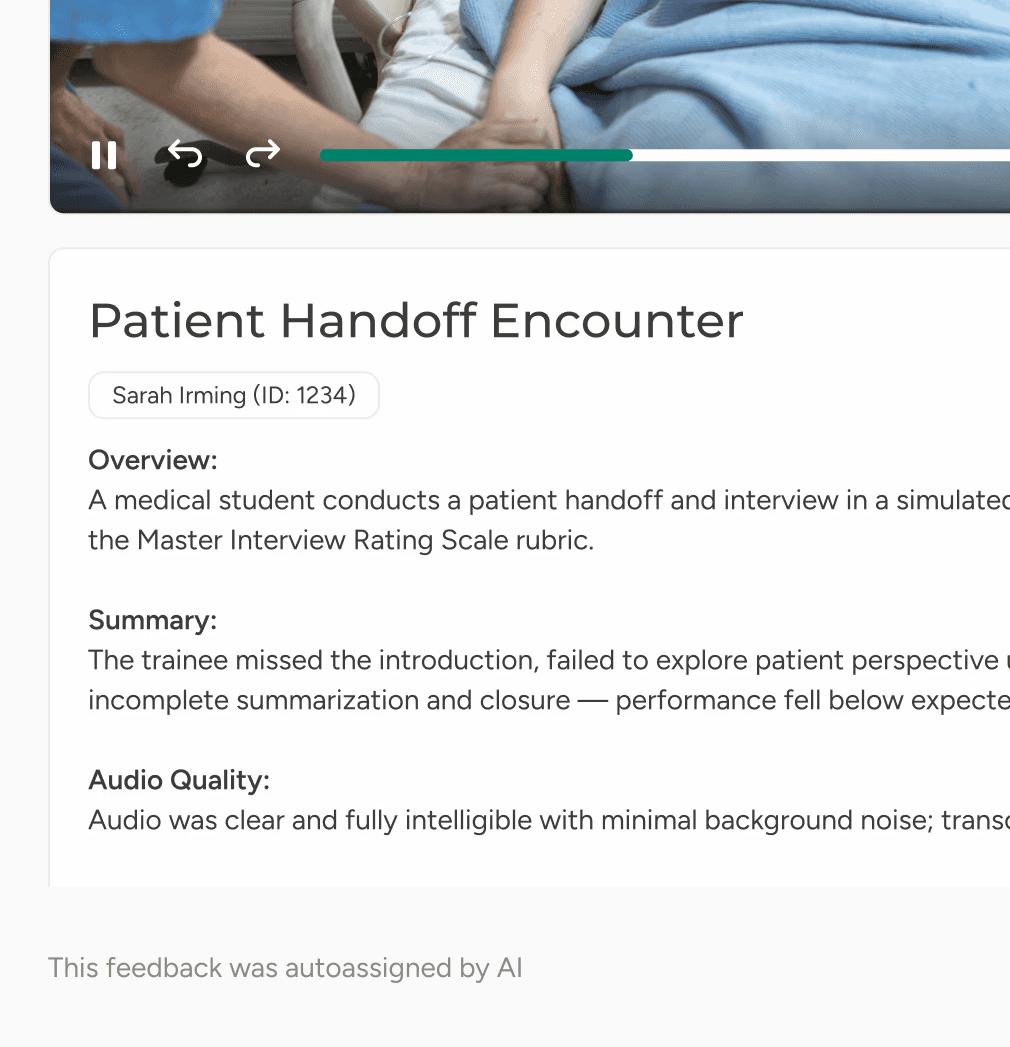
Autoassign as a safeguard
Automatically analyze videos and assign feedback to students after a set time period. For instructors who are extra busy.


Students
Assigned to me > manual sharing
the instructor selects 3 aspects that instantly show up on a student's dashboard. Sending feedback to students is a highly encouraged step.
Final Designs
Introducing SharpenBox
Instructors
Interact with your student's performance straight from your inbox
Students
Proof of your performance sent straight to you
A messenger for feedback from instructor to student.
Reflection
Building for research funding
As a designer, I came into this project thinking about the simplicity of the product, and cutting down for the timeline first. I wasn't sure why so much tech was needed for an MVP.
At first I suggested simpler alternatives, like a text based meeting notetaker. I was constantly thinking about the impact vs. the effort.
However, with AI validation as a huge driver for the research team, a product for pitches would help shed communications and marketing onto the Research Institute for funding and publicity.